After successfully running XAMPP on my Mac OS X I have upgraded my system to Yosemite my MySql server stopped starting through my XAMPP manager.
After clicking restart all or just Start for MySql database its just going into ‘starting’ and then goes back to ‘stopped’.

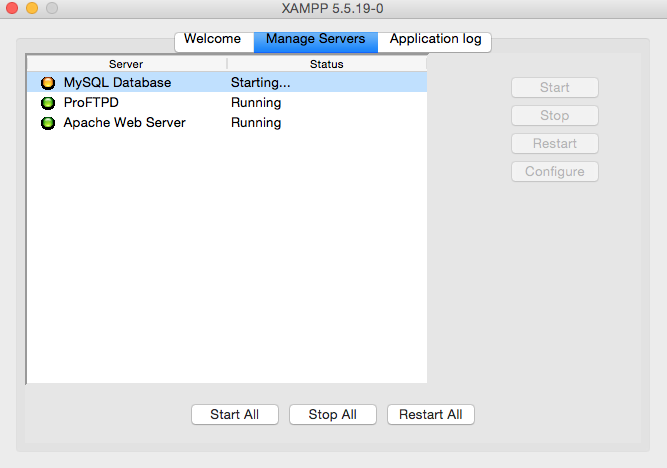
Browsing through the internet I’ve stumbled upon the solution that worked for me.
http://stackoverflow.com/questions/21267064/mysql-database-wont-start-in-xampp-manager-osx
Open the terminal and type as per code below (double check path to your ‘XAMPP/xamppfiles/bin/’ folder:
sudo /Applications/XAMPP/xamppfiles/bin/mysql.server start
Hope that helps!
